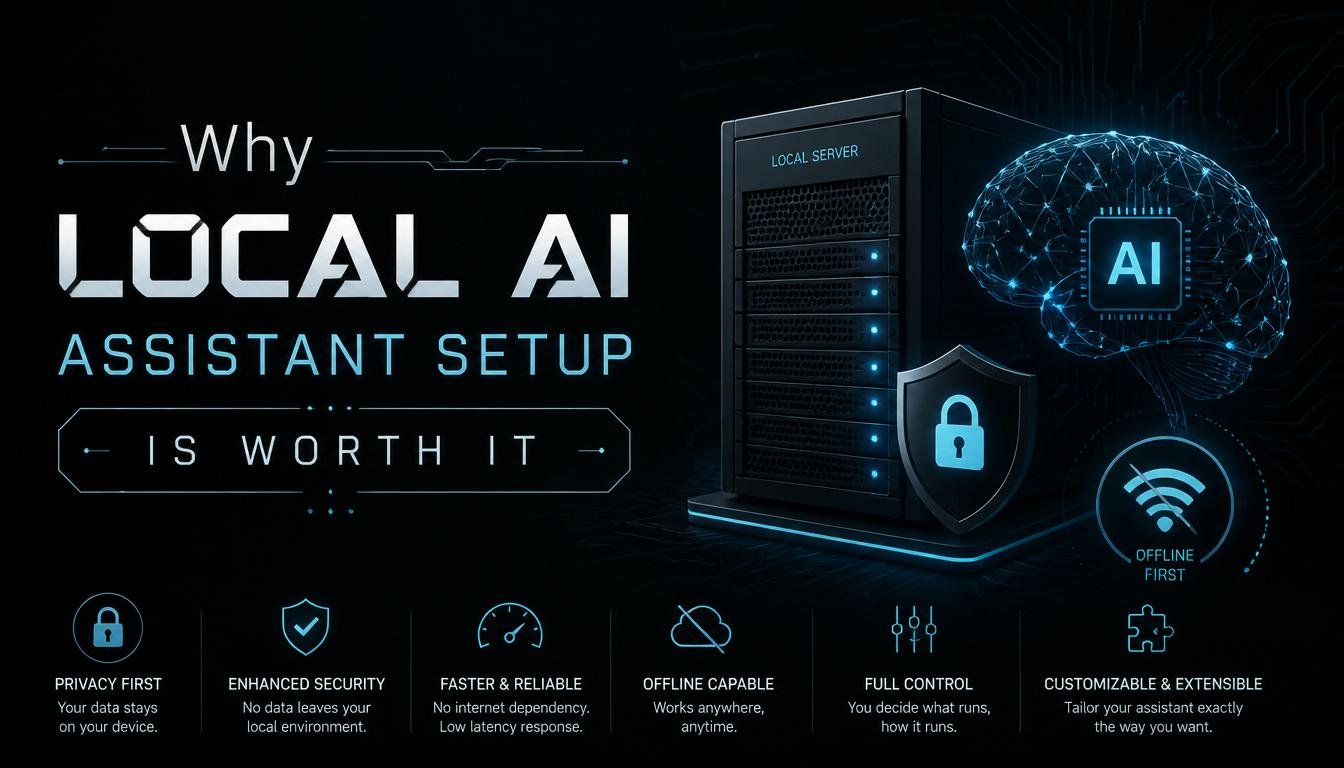
In this blog, I am going to walk you through every real reason why local AI setup is worth it, what tools you actually need, and what my personal experience switching from cloud to local has been like. By the end, you will either be convinced or you will have very strong opinions, and I am fine with either.
What Is a Local AI Assistant, Anyway?
Before anything else, let us get aligned on what we mean. A local AI assistant is a large language model (LLM) that runs entirely on your own hardware, whether that is your laptop, desktop, or an on-premise server. It processes your input, generates its responses, and stores nothing on any external server because there is no external server involved. Your machine is the cloud.
This is fundamentally different from cloud AI tools like ChatGPT, Gemini, or other browser-based assistants, which send every single word you type to a remote server, process it there, and return a result. The convenience of cloud AI is real. But so is the data exposure.
With a local setup, once the model is downloaded to your device, you can run it completely offline, forever, at no additional cost per query. That shift in how AI works is bigger than it sounds, and I want to walk you through exactly why.
Reason 1: Your Data Stays Yours, Completely:
This is the argument that converted me, and it will likely convert you, too. When you use a cloud-based AI assistant, everything you type is sent to and processed on external servers. Your business strategies, your medical questions, your legal documents, your unreleased creative work, all of it travels over the internet to a data center you have no visibility into.
Data privacy is not just a personal concern anymore. It is a regulatory reality. The EU’s GDPR has been enforcing data protection rules since 2018, and the EU AI Act will become fully enforceable in August 2026, adding requirements for activity logs, risk assessments, and human oversight for high-risk AI systems. In the healthcare space, HIPAA in the United States governs how protected health information can be handled, and using an external AI tool to process patient data without a Business Associate Agreement is a direct compliance violation. In 2025 alone, GDPR enforcement authorities imposed cumulative fines exceeding 5.88 billion euros, with personal data breach notifications averaging 443 per day.
When you run a private AI assistant locally, none of this is a problem. Your conversations, your documents, and your queries never leave your machine. There is no data collection. There is no model training on your inputs. There is no third-party vendor to sign compliance agreements with. The data stays exactly where it belongs, with you.
I work with client documents that I would never paste into a cloud AI tool. Contracts, internal strategies, and financial projections. With my local setup, I process all of that through the AI with complete confidence that nothing is leaving my network. That peace of mind has real professional value.
Reason 2: Zero Ongoing Subscription Costs:
Let us talk money. Cloud AI subscriptions are not cheap, and they are structured in a way that locks you into perpetual monthly payments. A typical premium AI subscription runs anywhere from $20 to $30 per month per user. For a small team of five people, that is $100 to $150 every single month, or $1,200 to $1,800 every year, for access to someone else’s server.
Detailed cost comparisons show that local AI setup costs roughly $0 to $60 per year, primarily for optional tools or minor infrastructure, compared to $240 to $300 per year or more for a cloud subscription. For organizations spending more than $500 per month on cloud AI API services, switching to local deployment typically reaches the break-even point within 6 to 12 months, depending on hardware. After that, the savings are pure.
The tools that make local AI accessible are free and open source. Ollama is completely free under the MIT license with no usage limits, no subscription fees, and no hidden costs. LM Studio offers unlimited personal use at no charge, with access to over 1,000 preconfigured open-source models. Jan AI is a fully offline, open-source alternative with a desktop interface that feels familiar to anyone who has used a cloud chatbot.
The hardware investment is real, but the context matters. A modern consumer laptop with Apple Silicon, for example, the M3 or M4 chip family, can run 7 billion to 30 billion parameter models at perfectly usable speeds. M4 Pro and M4 Max chips can even handle 70 billion parameter models at reasonable performance. A workstation with an NVIDIA RTX 4090 handles most 13 billion to 34 billion parameter models easily at full precision. For most everyday use cases, you do not need to buy new hardware at all. The machine you already own might be more capable than you think.
Reason 3: It Works Offline, Everywhere:
This one is underrated, and I want to make sure it gets proper attention. Cloud AI requires an internet connection. That sounds obvious, but its implications are more significant than people realize.
If you are on a plane, working in a remote location, traveling internationally with spotty data, operating in a secure facility where network access is restricted, or simply dealing with an unstable connection, cloud AI is useless. Your workflow stops.
A local AI assistant works completely offline once the model is downloaded. No internet. No API call. No waiting on someone else’s server. The model is already on your machine, and it responds immediately, regardless of where you are or what your connectivity looks like.
I travel fairly often, and the number of times I have been productively working on a flight because my local assistant was available while my cloud tools were inaccessible has made this benefit concrete and personal. It is not just a theoretical advantage. It is a practical one that compounds every single time you find yourself somewhere without reliable internet.
Beyond travel, there are legitimate enterprise scenarios, government environments, healthcare facilities, and secure research settings where connecting to external AI servers is not just inconvenient but outright prohibited. For those use cases, offline AI capability is not a nice-to-have. It is the only option.
Reason 4: No Vendor Lock-In, Full Control:
Here is a less-discussed but genuinely important benefit of running AI locally. When you rely on a cloud AI provider, you are completely at their mercy. They can change their pricing overnight. They can alter their terms of service. They can degrade performance on free tiers to push upgrades. They can remove features, restrict certain types of queries, or, in extreme cases, shut down entirely. You have no control over any of it.
With a local AI assistant, you control everything. You choose which model to run. You decide when to update it. You determine what it can and cannot do. You configure its behavior to match your specific workflow. Nobody can change your setup without your permission because nobody else has access to it.
The open-source LLM ecosystem has expanded dramatically. Meta’s Llama family remains the most widely used open-weight models, with Llama 4 launching in April 2025 and bringing a Mixture-of-Experts architecture along with native multimodal support. Models like Mistral, Phi, CodeLlama, and Gemma cover an enormous range of use cases from creative writing to code generation to document analysis. You can switch models freely based on the task at hand, fine-tune a model on your own dataset, or combine multiple models in a workflow. No cloud provider gives you that kind of flexibility.
For developers and teams, this also means customization at a level that cloud APIs simply do not allow. You can integrate the model directly into your internal tools, build private pipelines that process proprietary data without exposure, and shape the assistant’s behavior through system prompts and fine-tuning. Your competitor cannot look at your API usage logs because there are no API usage logs.
Reason 5: Surprisingly Strong Performance for Most Tasks:
One of the biggest myths holding people back from local AI is the belief that local models are dramatically inferior to cloud models. In 2024, that was a more defensible position. In 2025 and 2026, it is simply not accurate for the majority of everyday tasks.
Realistic assessments of local versus cloud AI show that a 7 billion parameter model running on a modern laptop handles code completion, text summarization, email drafting, brainstorming, and document analysis very well. For high-complexity reasoning tasks, multi-step analysis, or cutting-edge multimodal capabilities, frontier cloud models still hold an edge. But those tasks represent a smaller fraction of daily AI use than most people assume.
Many users who set up local AI find that it covers around 80% of their typical workload comfortably. The smart approach that has emerged in 2026 is a hybrid model: run sensitive, routine, and high-volume tasks locally, and reserve cloud AI for the genuinely complex jobs that benefit from frontier intelligence. This combination saves money and protects data while still accessing top-tier capability when it is truly needed.
The speed of local inference has also improved substantially. With tools like Ollama and LM Studio handling model loading and memory management efficiently, response times on modern hardware are often comparable to cloud models, especially when you factor in the network latency that cloud responses carry.
Reason 6: Setup Is Genuinely Not That Hard Anymore:
This was the excuse I used to delay setting up my own local AI assistant for longer than I should admit. “It sounds complicated.” “I am not technical enough.” “I do not want to deal with configuration files.”
The reality in 2025 has completely changed. LM Studio lets you browse over a thousand available models, download one with a single click, and start chatting in about ten minutes. The interface is described accurately as Instagram-level easy. Ollama requires basic terminal knowledge but can get you running with a model in about five minutes using two commands. Jan AI provides a fully offline ChatGPT-style desktop interface under an open-source license that requires no technical background to use.
The ecosystem around local inference has matured to the point where pulling a model and running it takes less time than it took to write this paragraph. NVIDIA’s CUDA stack is well-optimized for consumer-grade GPUs, and Apple Silicon has become one of the best local inference platforms available, running serious models at real speed without needing a dedicated graphics card.
The minimum hardware threshold is an 8 GB RAM machine, though 16 GB or more is recommended for a smoother experience with larger models. If your device meets that bar, and most computers bought in the last four years do, you can run a capable local AI assistant right now.
Reason 7: The Compliance Argument Is Only Getting Stronger:
If you work in healthcare, finance, legal services, defense contracting, or any regulated industry, the compliance angle is not optional reading. It is the entire conversation.
Cross-border data hosting can expose organizations to foreign laws, including the U.S. CLOUD Act, which allows the American government to compel cloud providers to hand over data stored on their servers anywhere in the world. This creates direct conflicts with GDPR for European organizations and similar data sovereignty regulations in dozens of other countries. Running AI locally eliminates this exposure entirely because there is no cross-border data transfer happening.
The EU AI Act, the Colorado AI Act, which became effective in February 2026, and expanding state-level privacy legislation across the U.S. are all moving in the same direction: toward greater accountability for where data goes and how it is processed. Organizations that designed data sovereignty into their AI architecture before choosing vendors are the ones that are well-positioned. Those that scrambled to retrofit compliance after the fact are learning an expensive lesson.
Local AI is not just a privacy preference. For regulated industries, it is increasingly the path of least regulatory resistance.
What You Actually Need to Get Started:
To keep this practical, here is what a realistic local AI setup looks like.
For hardware, you need at minimum 8 GB of RAM, though 16 GB or more makes the experience noticeably better. A dedicated NVIDIA GPU with 8 GB or more of VRAM lets you run larger, faster models. Apple Silicon machines from the M2 generation onward are among the best local inference platforms available for individuals. For teams, an on-premise server with multiple GPUs scales the capability significantly.
For software, Ollama is the best starting point for anyone comfortable with a terminal. LM Studio is the best starting point for anyone who prefers a graphical interface. Both are free, both give you access to a wide range of open-source models, and both can be set up and running in under thirty minutes.
For models, Llama 4, Mistral, Phi-3, and CodeLlama are excellent general-purpose starting points that cover most common tasks. The right model depends on your hardware and what you are primarily using the assistant for, but all of these are free to download and run.
Conclusion:
Setting up a local AI assistant is one of the most practical technology decisions you can make right now. The privacy benefits are real and growing more important with every new regulation. The cost savings are measurable and begin the moment you stop paying a monthly subscription. The offline capability removes a dependency that most people do not realize they have until it costs them. The control and customization are on a level that no cloud provider can match. And the setup, once intimidating, has become genuinely accessible to anyone willing to spend an afternoon on it.
I spent two years feeding a cloud AI my most sensitive work without thinking carefully about where that data went. Setting up my own local assistant took one afternoon. That afternoon has paid for itself in privacy, savings, and peace of mind more times than I can count.
The question is not really whether a local AI setup is worth it. The question is why you have not done it yet.
FAQs:
Q1: What is the easiest way to set up a local AI assistant?
A: LM Studio is the easiest option, offering one-click model downloads and a ready-to-use chat interface with no command-line knowledge required.
Q2: Do I need a powerful computer to run a local AI?
A: A machine with at least 8 GB of RAM can run capable models, though 16 GB or more gives noticeably better performance.
Q3: Is local AI really private?
A: Yes, completely. Your data never leaves your device because the model runs entirely on your own hardware with no internet connection required after setup.
Q4: Are local AI models as good as ChatGPT or Claude?
A: For most everyday tasks like writing, coding, and summarizing, modern local models perform very well, though frontier cloud models still lead on complex reasoning.
Q5: How much does it cost to run a local AI assistant?
A: The software tools like Ollama and LM Studio are completely free, so the main cost is your existing hardware, making it far cheaper than monthly cloud subscriptions.
Q6: Can businesses use local AI for GDPR or HIPAA compliance?
A: Yes, local AI is one of the most effective ways to meet data sovereignty and compliance requirements because no personal data ever leaves your own infrastructure.